Most jobs that come back for a second round do so for one of four reasons, and all four are fixable before the file is sent. This is that list, with the numbers.
Bleed: why 0.125in exists
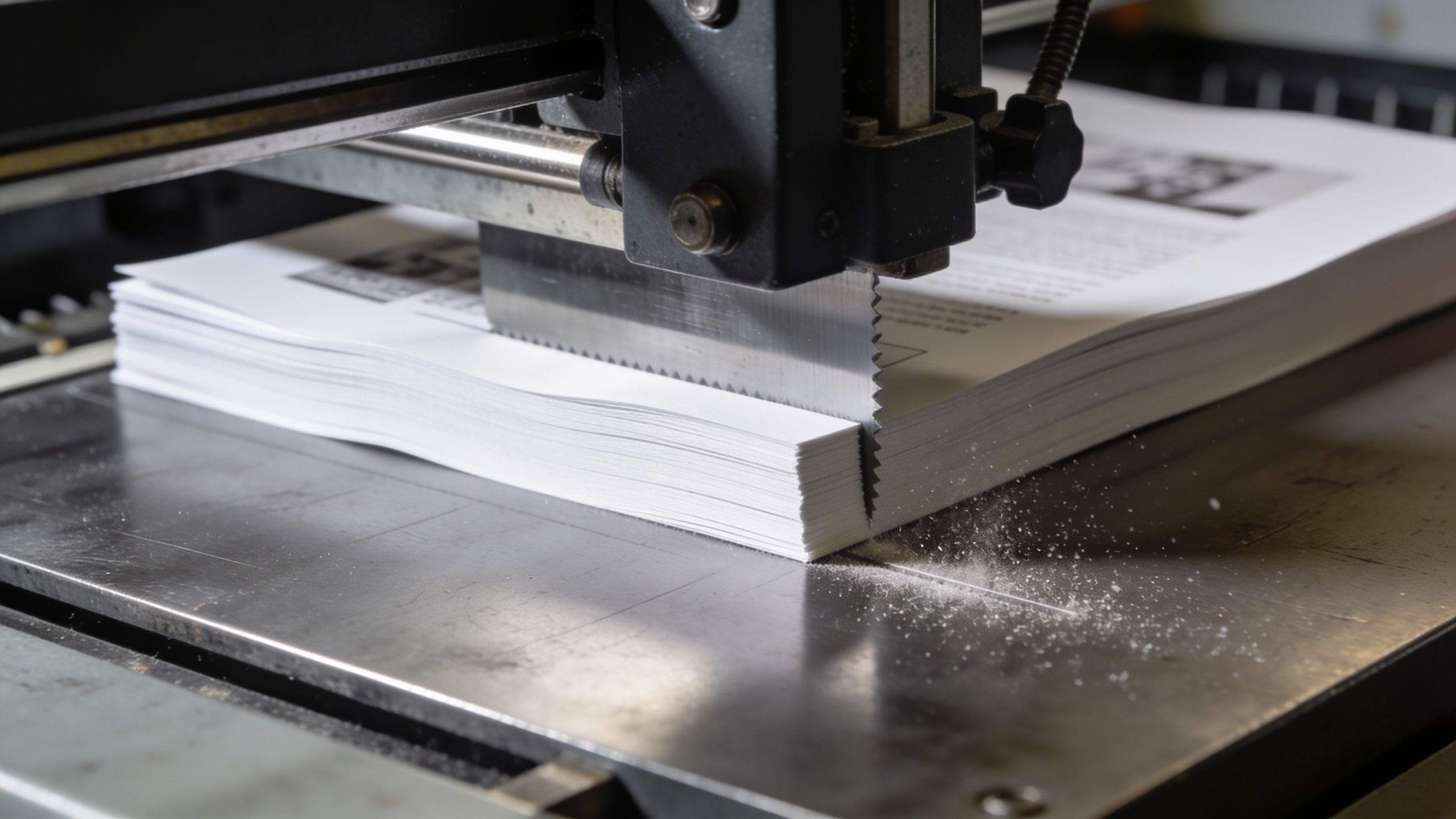
A press does not print to the edge of a sheet. It prints onto a larger parent sheet and the job is trimmed down afterwards, in lifts of several hundred at a time on a guillotine.
The blade is accurate but the paper is not perfectly still. Across a lift, the cut wanders by a fraction of a millimetre. If your background stops exactly at the trim line, some of those sheets will come back with a white hairline down one edge.
Bleed is background extended past the trim so the blade always has ink to cut through. The standard is 0.125in (3mm) on all four sides for small format. Large format needs more, because the tolerances are looser.
| Product | Bleed | Safety margin | Resolution | Colour |
|---|---|---|---|---|
| Business cards | 0.125in all round | 0.125in from trim | 300 ppi at final size | CMYK |
| Flyers and postcards | 0.125in all round | 0.25in from trim | 300 ppi at final size | CMYK |
| Booklets, saddle-stitched | 0.125in all round | 0.375in from trim | 300 ppi at final size | CMYK |
| Roll-up banners | 0.5in all round | 2in top and bottom | 150 ppi at final size | CMYK |
| Large-format signage | 0.25in all round | 1in from trim | 100 – 150 ppi at final size | CMYK |
| Vehicle graphics | 1in all round | 2in from any edge or seam | 72 – 100 ppi at final size | CMYK |
Safety margin: the other side of the same problem
If the cut can wander outward into your bleed, it can wander inward into your content. Safety is the distance you keep important things away from the trim line.
Text, logos, phone numbers and anything you would be upset to lose part of stays inside it. On a business card that is 0.125in. On a saddle-stitched booklet it is 0.375in, because the fold and the stitch introduce their own movement, and pages toward the centre of a thick booklet get pushed outward — an effect called creep, which we compensate for at imposition but which cannot rescue text sitting 2mm from the edge.
CMYK, and the colour that will disappoint you
Screens make colour by adding light: red, green and blue at full intensity make white. Print makes colour by subtracting it: cyan, magenta, yellow and black ink absorb wavelengths and what bounces back is what you see.
RGB can produce colours CMYK physically cannot. The usual casualties are saturated greens, vivid oranges and electric blues. Convert an RGB file to CMYK at the last moment and those colours drop dead — not because anything went wrong, but because the ink cannot get there.
Build in CMYK from the start. Then you are designing inside the colours that exist, and there is no surprise at the end. If your brand depends on one exact colour, specify a Pantone reference and tell us — spot colour is a different conversation and sometimes a different price.
Blacks
This is the one that surprises people who have done everything else right.
| Build | Values | Use it for | Do not use it for |
|---|---|---|---|
| Flat black | 0 / 0 / 0 / 100 | Body text, thin rules, anything under 24pt | Large solid areas — it looks washed out |
| Rich black | 60 / 40 / 40 / 100 | Large solids, backgrounds, display type | Small text — registration shift shows as colour fringing |
| Registration black | 100 / 100 / 100 / 100 | Nothing. It is a press mark colour. | Any artwork — 400% ink will not dry |
A large area of 100% K alone prints as a slightly washed, warm dark grey. It looks black on your screen and disappointing on paper. Rich black adds cyan, magenta and yellow underneath to deepen it.
But rich black is wrong for small text. Four inks have to register perfectly; a fraction of a millimetre of shift shows as colour fringing on the edges of letterforms. Body text is 100% K, always.
And registration black — 100% of all four — is not a colour, it is the value used for press marks. At 400% total ink coverage it will not dry, it will offset onto the sheet above it, and it will be rejected at preflight. If it is in your file, something has gone wrong upstream.
Keep total ink coverage at or below 300% for coated stock.
Resolution: 300 ppi at final size
The words "at final size" are the whole rule. A 300 ppi image is only 300 ppi at the dimensions it is placed at. Scale a 300 ppi photograph up to 200% and it is a 150 ppi photograph.
Large format is different, and people over-prepare for it. A billboard is viewed from thirty metres and 20 ppi is fine. A vehicle wrap viewed from two metres is fine at 72–100 ppi. A roll-up banner read at arm's length wants around 150. Supplying a 300 ppi file for a 10ft banner produces a file too large to process and no visible benefit.
Vector art has no resolution. Logos, type and line work should be vector — AI, EPS or a PDF with live vectors — and they will be sharp at any size.
The file to send
PDF/X-4 is the right format for almost everything. It embeds fonts, preserves transparency and carries a colour intent. When you export:
- Include bleed and crop marks
- Embed all fonts, or outline the type
- Do not downsample images below 300 ppi
- Set the output intent to a CMYK profile — coated stock for coated jobs
If your software will not produce PDF/X, a standard press-quality PDF with bleed is usually fine. Send the native file too if you have it.
The four-point check before you send
- Bleed present and background extending into it on all four sides
- Nothing important inside the safety margin
- CMYK throughout, no stray RGB images, body text 100% K
- Images 300 ppi at placed size, logos in vector
That is genuinely the whole list. Files that pass it go straight to press.
If none of this is your job
It should not have to be. We do artwork setup as a line item, and we preflight everything that comes in regardless — if something is wrong you will hear about it before it prints, not after.
- Commercial printing and signage — accepted formats, stocks and the full catalogue
- Business cards in Mississauga and flyer printing in Mississauga
- How much business cards cost — run sizes, stocks and finishes
- Packages and pricing — design and artwork are included in every kit
Send the file through and we will tell you what it needs, if anything.